Buyer readiness
Supply path transparency checklist
Organization byline: Measurement Press editorial desk. This page does not list an individual author or reviewer. Read the editorial method and corrections policy.
About 12 min read
A private marketplace package is easier to trust when the commercial path, seller authorization, page placement, and final reporting fields all point to the same inventory story.
Use this checklist before a publisher package, managed demand path, or private marketplace deal goes live. It helps buyers, publishers, and operations teams inspect the supply path without turning seller transparency into a performance claim. The goal is a campaign record that can answer: who is allowed to sell this inventory, which package did the buyer activate, which placement rendered, and what reporting fields survived the flight?
Picture the launch review for a new contextual package. The seller authorization row looks clean, the deal key has been created, and the buyer is ready to approve spend. The weak point is the handoff: no one has checked whether the public seller files, bid-path evidence, deal mapping, placement IDs, and final export will still describe the same inventory after the campaign runs.

What to reconcile
Supply path transparency is a join problem. The public seller file, the bid path, the deal setup, and the campaign report should not require four different stories to explain the same impression.
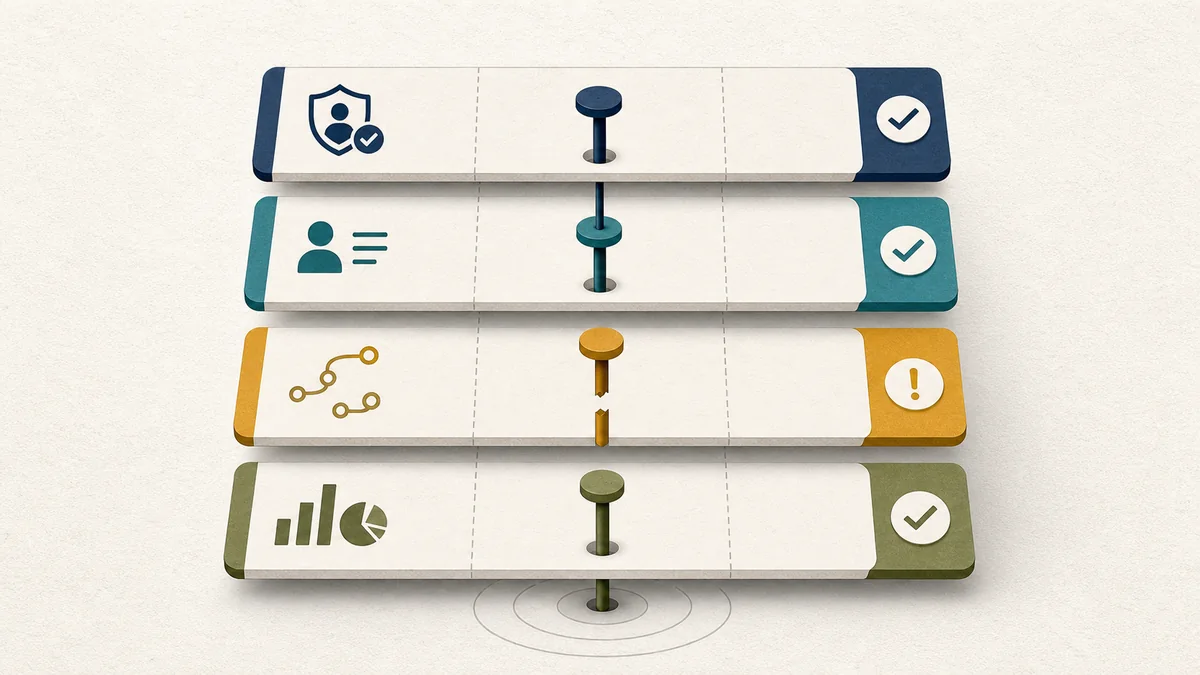
| Layer | Check before launch | Hold or fix when |
|---|---|---|
| Publisher domain | The public seller file is reachable from the expected root domain and matches the inventory owner or authorized manager named in the campaign brief. | The buyer is asked to accept a domain, subdomain, or managed path that does not match the package evidence. |
| Authorized seller row | The seller account, ad system domain, relationship type, and optional owner or manager fields are recorded in the launch notes. | The seller row is missing, stale, duplicated without explanation, or cannot be tied to the deal path. |
| Seller disclosure | The selling system's seller record can be checked against the account ID used in the authorized seller row. | The seller record is confidential, missing, or materially different from the campaign path without a written reason. |
| Supply chain object | The bid path shows the sequence of sellers and intermediaries expected by the buying path. | The path adds unexpected nodes, hides the final seller, or changes after launch without a change log. |
| Deal key | The private marketplace deal key maps to one package ID, eligible placement set, and reporting key. | The same deal key is used for unlike contexts or multiple package definitions. |
| Placement and report | The final report can show package ID, placement ID, device class, creative ID, seller path status, and any supply-path exception. | Delivery can only be read as a total, with no join back to the package and seller evidence. |
Preflight checklist
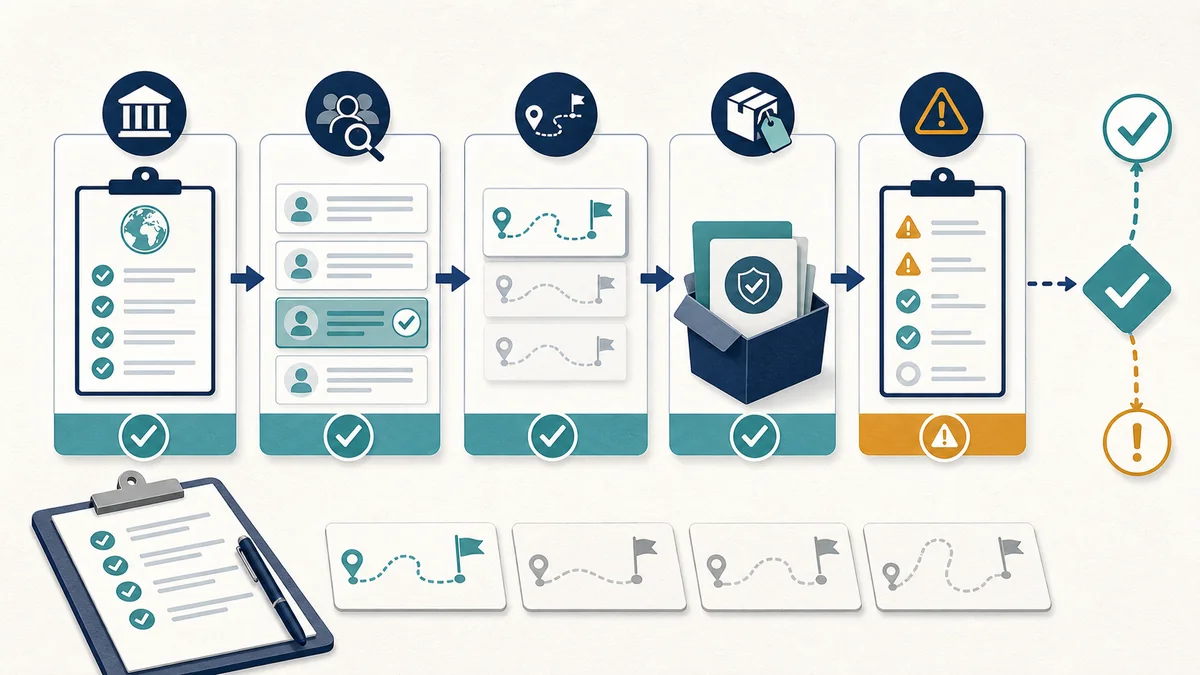
1. Capture the public seller state.Save the authorized seller rows that apply to the package, including ad system domain, publisher account ID, relationship type, and any owner or manager fields. Treat this as a launch record, not as proof that the campaign will work.
2. Match seller records to the account ID.Check whether the seller account used for activation appears in the selling system's seller disclosure. Record whether the seller is direct, intermediary, or confidential, and whether that status matches the buying path.
3. Write down the expected path.Before launch, name the expected seller path: direct publisher sale, managed publisher sale, reseller path, or private marketplace path through a named buying route. The report should flag delivery that does not follow that expected path.
4. Bind the deal key to a package.A private marketplace key should map to one package thesis, one included URL or topic set, one placement set, and one reporting key. If the package changes, record the date and the reason.
5. Keep exceptions visible.If a row is pending, confidential, manager-owned, reseller-only, or missing a seller disclosure, name that condition before launch. Hidden exceptions become expensive during billing, renewal, and performance review.
Read the public files carefully
The public seller files support transparency and authorization checks. They do not establish viewability, audience quality, lead quality, or incrementality.
| Evidence | What it can support | What it cannot support alone |
|---|---|---|
| ads.txt or app-ads.txt row | The publisher has declared a seller account and relationship for a domain or app context. | That the impression was viewable, high quality, or incremental. |
| sellers.json record | The selling system has published seller information connected to seller IDs, subject to its disclosure status. | That the buyer's package, page context, or creative actually matched the plan. |
| SupplyChain object | The bid request can expose the sequence of nodes involved in the transaction. | That the commercial path is the shortest, cheapest, or best-performing path. |
| Deal key | The buyer activated a named commercial path for a package or placement set. | That all delivered impressions matched the intended page context. |
| Placement ID | The report can tie delivery to a visible page slot and size family. | That the seller path was clean unless seller-path fields are also preserved. |
| Seller-path exception log | The team can explain row changes, confidential records, added intermediaries, or managed supply paths. | That the exception had no effect on delivery quality or renewal evidence. |
Reporting fields
Supply-path fields should sit beside the normal package, placement, creative, and outcome fields. They are most useful when the readout shows what was eligible, what delivered, and what could not be verified.
| Field | Definition | Use in readout |
|---|---|---|
| supply_path_status | Expected, changed, pending, confidential, unmanaged, or not checked. | Shows whether delivery followed the path agreed before launch. |
| seller_relationship | Direct, reseller, intermediary, managed, or unknown. | Separates direct publisher supply from managed or reseller paths. |
| seller_account_id | The seller account used in public authorization and activation records. | Lets ad operations reconcile seller files, deal setup, and invoice records. |
| ad_system_domain | The advertising system domain declared for the seller account. | Connects public seller authorization to the system where buying occurred. |
| schain_node_count | The number of nodes visible in the supply chain record when available. | Helps flag unexpected path length changes before renewal language is written. |
| seller_path_exception | A short explanation for missing, confidential, changed, or unexpected seller-path evidence. | Keeps unresolved transparency questions out of performance claims. |
| package_id | The contextual package sold to the buyer. | Connects seller-path checks to the reader context being purchased. |
| placement_id | The visible ad slot or placement contract where the unit rendered. | Prevents seller-path review from floating above page-level delivery evidence. |
Worked decision map
Use the same supply-path evidence to choose the launch or renewal language. The decision is not simply pass or fail. Some issues need an operations fix, some need a named exception, and some should stay out of a buyer-facing clean-path claim until the path is rebuilt.
| What the evidence shows | Question to ask before wording | Status band | Careful buyer-facing language |
|---|---|---|---|
| Authorized seller row, seller disclosure, expected path, deal key, package ID, placement ID, and export fields all align. | Can the report preserve the same identifiers after launch? | Ready for package activation | The package has a documented seller path and can be read by package, placement, device, and seller-path status after delivery. |
| The package and placement evidence are sound, but one seller row is stale or a seller record needs an account-ID correction. | Who owns the correction and when will the corrected row be captured? | Ready after operations fix | The package can proceed after the seller-record fix is completed and attached to the launch handoff. |
| The seller record is confidential, manager-owned, or routed through a managed path that was disclosed before launch. | Will the exception appear in the final export and renewal memo? | Report with exception | The campaign can be described with a named seller-path exception, not as a fully clean direct path. |
| A new intermediary appears after launch, the SupplyChain sequence changes, or no change log explains the path difference. | Can delivery be split before the path changed and after it changed? | Hold for path review | Do not use clean-path language until the changed route is explained and separated from the report total. |
| One deal key covers unlike page groups, placement sets, or package promises. | Can the deal be split into package-specific IDs before launch or renewal? | Hold or rebuild the package | The buyer should see separate package IDs before the readout claims a specific inventory promise was delivered. |
Simulated worked example: trace eight delivery records
This is a fictional audit of eight delivery records, not a case study or a claim about a real publisher, seller, or campaign. It shows how to separate a clean trace from a documented exception before writing a supply-path conclusion.
| Record | Authorized row | Seller disclosure | Expected path | Package, placement, and report join | Result |
|---|---|---|---|---|---|
| R-01 | Match | Match | Match | Complete | Traceable |
| R-02 | Match | Match | Match | Complete | Traceable |
| R-03 | Match | Match | Match | Complete | Traceable |
| R-04 | Match | Match | Match | Complete | Traceable |
| R-05 | Match | Match | Match | Complete | Traceable |
| R-06 | Match | Confidential exception | Match | Complete | Report exception |
| R-07 | Match | Match | Changed; no change log | Complete | Hold for path review |
| R-08 | No match | No match | Not verified | Incomplete | Hold or rebuild |
Score one point for each record whose authorized row, seller disclosure, expected path, and package/placement/report join are all documented. Five records are fully traceable: 5 / 8 = 62.5%. If each of the four checks is scored separately, the table has (5 × 4) + 3 + 3 + 0 = 26 passing checks out of 8 × 4 = 32, or 26 / 32 = 81.25%. These are two different denominators: the first answers “how many records are clean,” while the second answers “how many field checks passed.”
Decision: hold any clean-path or direct-path claim. R-06 needs a named confidentiality exception, R-07 needs a path-change record and split reporting, and R-08 needs authorization, seller disclosure, and join evidence before it can be treated as part of the package. Reproduce the audit by copying the same four check columns into a worksheet, attaching the public-file snapshots and bid/report identifiers, and recalculating both denominators after every correction.
Limitations: the example does not estimate fraud, quality, price, viewability, audience value, or incrementality. A clean record trace only shows that the selected identifiers and path evidence agree for the reviewed rows; it does not prove that unreviewed impressions followed the same path.

Decision bands
| Status | Use when | Next action |
|---|---|---|
| Ready for package activation | Authorized seller rows, seller records, expected path, deal key, package ID, and report fields align. | Launch with the seller-path fields included in the campaign export. |
| Ready after operations fix | The package and inventory are sound, but one seller row, seller record, or deal mapping needs correction. | Fix before launch, then document the correction in the campaign handoff. |
| Report with exception | Delivery can run, but a seller record is confidential, pending, or routed through a managed path. | Name the exception and keep performance language descriptive. |
| Hold for path review | The seller path cannot be tied to the package, placement, or deal key. | Do not sell or renew the package as a clean private marketplace lane until the path is rebuilt. |
Official references
Use official technical references to define the transparency fields, then use the campaign's own records to judge whether a specific package was ready. The IAB Tech Lab ads.txt and app-ads.txt reference describes public authorized-seller declarations and owner or manager domains. The IAB Tech Lab sellers.json and SupplyChain reference explains how seller identities, intermediaries, and SupplyChain nodes can be inspected. The IAB Tech Lab supply-chain standards page groups these specifications. These sources define transparency mechanisms; they do not, by themselves, establish viewability, audience quality, lead quality, or incrementality. The source library groups these references with other measurement and inventory checks.
Source-to-decision boundary
Google Ad Manager's SupplyChain object guidance describes the object as a record of entities directly involved in payment flow. Its sellers.json guidance distinguishes PUBLISHER, INTERMEDIARY, and BOTH seller types and identifies the seller ID, name, domain, and confidentiality fields buyers may inspect. Its ads.txt guidance describes the authorized-seller declaration a website uses to state seller domains, IDs, and relationships. These definitions tell a reviewer what to inspect; they do not certify a package or its outcomes.
Google Ad Manager's documentation describes the SupplyChain object as a record of entities involved in the direct flow of payment and explains that it works with ads.txt and sellers.json. Its seller guidance distinguishes publisher, intermediary, and both seller types. IAB Tech Lab defines the related transparency mechanisms. Those definitions tell a reviewer what to inspect; they do not certify a package or its outcomes.
| Verified mechanism | Record to reconcile | Claim ceiling |
|---|---|---|
| Authorized-seller declaration | Root domain, ad-system domain, seller ID, DIRECT or RESELLER relationship, owner or manager domain, and crawl date. | Authorization is a permission record; it does not prove that every delivered impression followed the declared route. |
| Seller identity and relationship | sellers.json seller ID, seller type, name/domain visibility, confidentiality state, and the account used by the deal. | A visible publisher or intermediary record does not prove ownership of the page, package fit, price, or quality. |
| SupplyChain sequence | Serialized schain, completion state, node order, seller IDs, and any changed-path exception. | A complete node sequence supports path inspection; it does not show that the route was shortest, cheapest, viewable, or higher-performing. |
| Package and reporting join | Deal key, package ID, placement ID, report query, delivery window, and path status on the same export grain. | Only the account-specific joined records support a package decision; platform definitions alone cannot establish audience value or incrementality. |
Reproduction rule: save the public-file snapshots, seller record, bid-request or export fields, deal configuration, and check date together. If the seller ID, node sequence, package scope, or report grain changes, rerun the decision map and label the result non-comparable. The eight-record example above remains fictional and does not validate a real publisher, seller, or campaign.
Pair with
Use this checklist with the programmatic inventory QA checklist for placement and size-map checks, the ad yield and deal-readiness checklist before pricing, the private marketplace reporting field dictionary for package and placement fields, the private marketplace readout export sample for row-level checks, and the ad inventory readiness matrix for the current package contracts.
Takeaway
A transparent supply path is not a performance result. It is a necessary record that lets buyers and publishers know which inventory was authorized, how it moved, where it rendered, and how much confidence the final report deserves.